Skip to product information
1 of 6

Printify

Custom Photo Stocking Personal Stocking for Family Keepsake Custom Christmas Stocking for under 15 Custom Photo Stockings Image Personalized

Custom Photo Stocking Personal Stocking for Family Keepsake Custom Christmas Stocking for under 15 Custom Photo Stockings Image Personalized

Regular price $14.99 USD
Regular price Sale price $14.99 USD
Sale Sold out
Size
Quantity
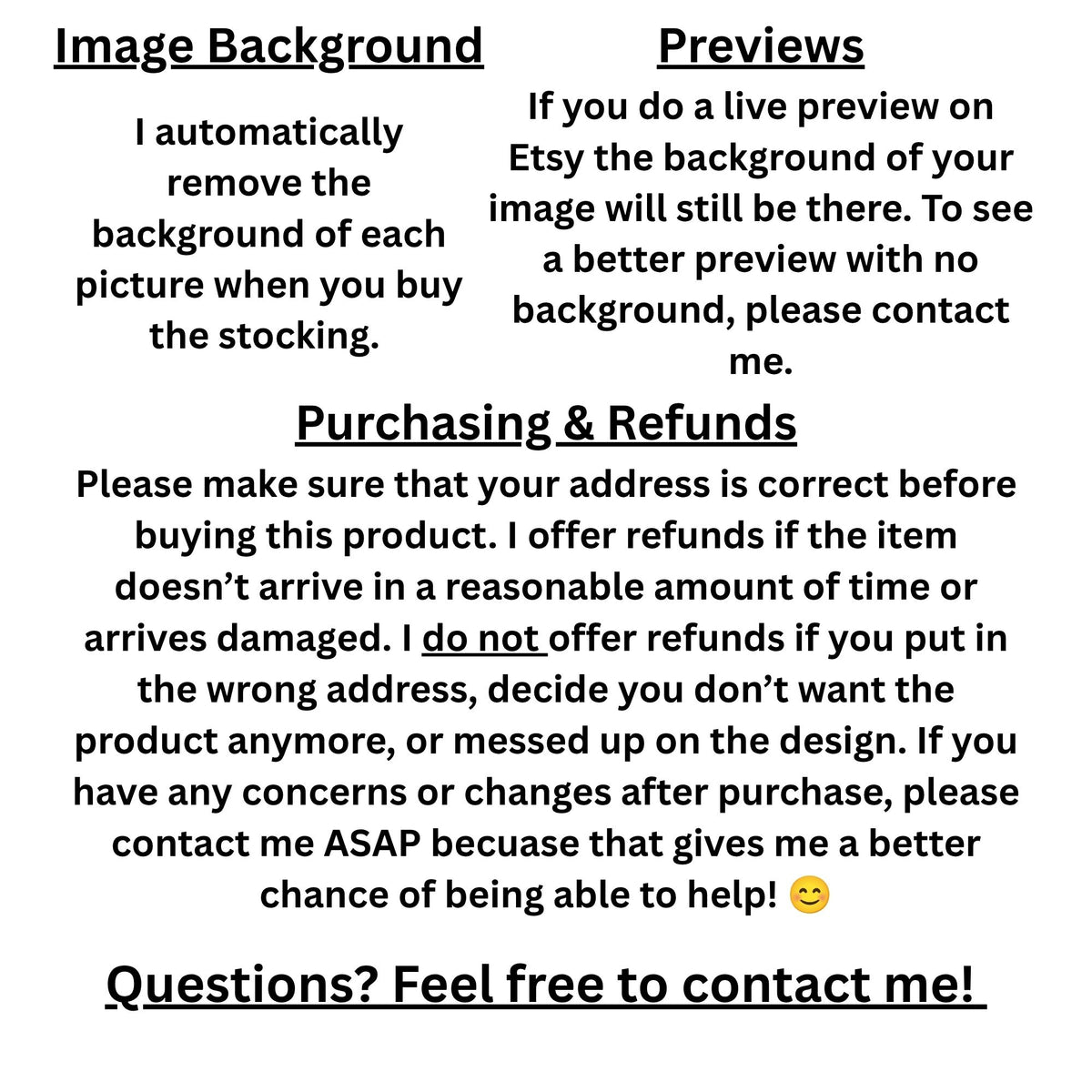
Looking for a custom photo stocking for under $15? You've found it! Whether you want a personal stocking for your husband/wife, parents, kids, or friends, or want some fun Christmas decorations, these photo stockings are perfect! These stockings are soft to the touch and will add a special, festive touch to your home!!! Customizing is easy! Just follow these two simple steps: Step 1: In Etsy, upload your pic and add your custom text Step 2: Buy! It's that easy! You can customize both the text and image on this Christmas stocking. Don’t want any text on your stocking? Just leave the text box blank on Etsy or write “No text”. Uploading your image and previews: When you upload your image, you may have the option to see a live preview. This preview does not remove the background of your image. However, I automatically remove the background of each picture when you buy the stocking. If you would like a better preview of your stocking, please message me! Please make sure that your address is correct before buying this product. Sometimes I can change the address after purchase but I may not be able to. Looking for a gift for your wife, daughter, or a friend? Our custom jewelry is sure to please! Check it out here: https://www.etsy.com/shop/VDMMarket?section_id=60123279 Looking for a custom gift for a coffee lover in your life? We've got the perfect thing 😉: https://www.etsy.com/listing/4476542264/mug-custom-do-not-touch-coffee-mug?ref=shop_home_active_23&pro=1&frs=1&sts=1&logging_key=0ad3adf9e7672b830510f08e2ad88eb5194c8719%3A4476542264 A note on refunds: I offer refunds if the item doesn’t arrive in a reasonable amount of time or arrives damaged. I do not offer refunds if you put in the wrong address, decide you don’t want the product anymore, or messed up on the design. If you have any concerns or changes after purchase, please contact me ASAP. I’d love to help! 😊 Product features - 100% flannel body with a soft, napped finish - Faux-fur cuff for a plush, textured top - Double-sided printed design for visibility from either side - Sturdy hanging loop for easy display - Medium-weight fabric that holds small treats and keeps a cozy silhouette Care instructions - Hand wash

Personalize Your Product

View full details

Read this before you buy!

This is a digital product meant to be used with the Procreate app. If you don’t have Procreate, this product will not work.

This product must be downloaded to be used. After purchase, you will be able to download this brush. You will receive an email with a download link. For download instructions you can watch this video or read these instructions:

1. Tap the download link

2. A page will appear with a “Download now” button. Tap this button.

3. There will be a popup asking if you would like to download the file. Tap “Download”.

4. In the top right corner of your screen will be an arrow pointing down in a circle. Tap it. It will show you your downloads.

5. Tap the item you bought and just downloaded, which should be at the top.

6. If it is a single file, you will be brought to Procreate and the item will appear.

If the download has multiple files, you will be brought to the app Files instead of Procreate. There you will find a new zip folder of what you just downloaded. Tap the folder and it will create another folder. Tap on this new folder and you will see your downloads. Tap on any one of the downloads and it will import into Procreate.

7. Where to find your download in Procreate

If your item is a single brush, it will be in the imported brush set at the bottom of the brush library.

If your item is a brush set, the brush set will appear in the brush library.

If your item is a color palette, you will find it in the palette section of Colors.

If your item is an image, it will not automatically import into Procreate. You will have to go to Procreate and import the image. You can do this by going to a canvas in Procreate, tapping Actions (looks like a wrench), tapping the Add section, and tapping “Insert a file”. Then find the file and upload it.

If you have any questions, feel free to contact us at thecreativitycity@gmail.com

If you like our brushes and brush sets, consider getting our Gold Membership! It’s a one time low fee and then you get ALL of our brushes and brush sets FREE! Learn more here